Packaging & Operations Smoke Tests (Part C)
Part C proves that Genesis Mesh builds, installs, and ships correctly in all expected deployment shapes: in-process, CLI, Docker image, Docker Compose, and managed-sovereign restore drills.
Most tests can run locally without a cloud environment or persistent state.
15. In-Process Smoke Demo
The fastest way to see Genesis Mesh behavior end to end is the local smoke workflow. It runs a Network Authority in process, creates operator-authorized invite tokens, enrolls two nodes, fetches policy, and verifies certificate status.
        sequenceDiagram
    participant CLI as genesis-mesh dev up
    participant RS as Root Sovereign
    participant NA as Network Authority
    participant OP as Operator Key
    participant A as Anchor Node
    participant C as Client Node

    CLI->>RS: Generate root key
    CLI->>NA: Generate NA key and start service
    CLI->>RS: Sign genesis block
    CLI->>OP: Generate operator key
    OP->>NA: Create anchor invite
    A->>NA: Join with invite and node signature
    NA-->>A: Signed join certificate
    A->>NA: Fetch signed policy
    OP->>NA: Create client invite
    C->>NA: Join with invite and node signature
    NA-->>C: Signed join certificate
    CLI->>A: Verify certificate status
    CLI->>C: Verify certificate status
Run
python -m genesis_mesh.cli dev up
or from this repository with uv:
uv run --python /usr/bin/python3.12 --with-requirements requirements.txt \
  python -m genesis_mesh.cli dev up
If the package is installed and the scripts directory is on PATH, the
installed command is:
genesis-mesh dev up
Screenshot of a real run:
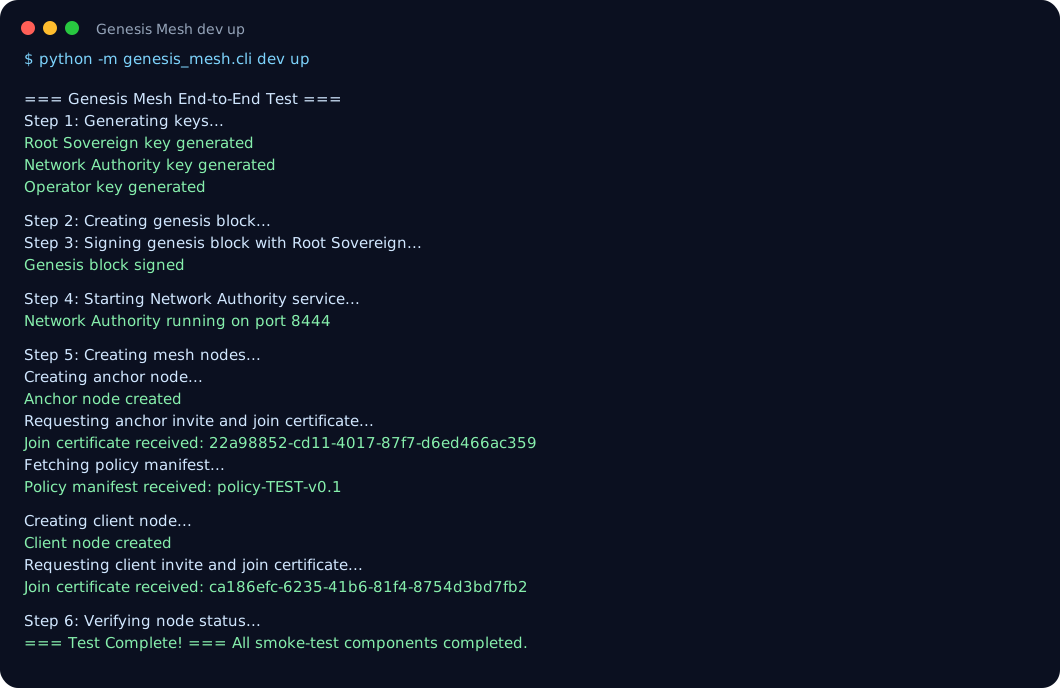
Observed output includes:
=== Genesis Mesh End-to-End Test ===
Root Sovereign key generated
Network Authority key generated
Operator key generated
Genesis block signed
Network Authority running on port 8444
Join certificate received: <cert-id>
Policy manifest received: policy-TEST-v0.1
All smoke-test components completed.
16. Live CLI Process Smoke Demo
The in-process demo is intentionally quick. The next walkthrough runs a real
Network Authority process, creates an invite through the admin CLI, joins a node,
checks local status, and queries /nodes.
TMP=$(mktemp -d /tmp/genesismesh-live-smoke-XXXXXX)
PORT=36157
CONFIG="$TMP/genesis-mesh.toml"
HOME_DIR="$TMP/home"
ENDPOINT="http://127.0.0.1:$PORT"

uv run --python /usr/bin/python3.12 --with-requirements requirements.txt \
  python -m genesis_mesh.cli init \
  --config "$CONFIG" \
  --home "$HOME_DIR" \
  --na-endpoint "$ENDPOINT" \
  --force

uv run --python /usr/bin/python3.12 --with-requirements requirements.txt \
  python -m genesis_mesh.cli na start \
  --config "$CONFIG" \
  --host 127.0.0.1 \
  --port "$PORT" \
  --db-path "$HOME_DIR/na.db"
In another terminal after /healthz returns 200:
INVITE=$(uv run --python /usr/bin/python3.12 --with-requirements requirements.txt \
  python -m genesis_mesh.cli admin invite \
  --config "$CONFIG" \
  --na "$ENDPOINT" \
  --role anchor)

uv run --python /usr/bin/python3.12 --with-requirements requirements.txt \
  python -m genesis_mesh.cli join \
  --config "$CONFIG" \
  --na "$ENDPOINT" \
  --token "$INVITE"

uv run --python /usr/bin/python3.12 --with-requirements requirements.txt \
  python -m genesis_mesh.cli status --config "$CONFIG"

curl "$ENDPOINT/nodes"
Expected status excerpt:
Network Authority: http://127.0.0.1:36157
  /healthz: 200 {"status":"ok"}
  /readyz: 200 {"db_path":".../home/na.db","status":"ready"}
  active nodes: 1
Node:
  roles: role:anchor
  valid: True
17. Docker Image Smoke Demo
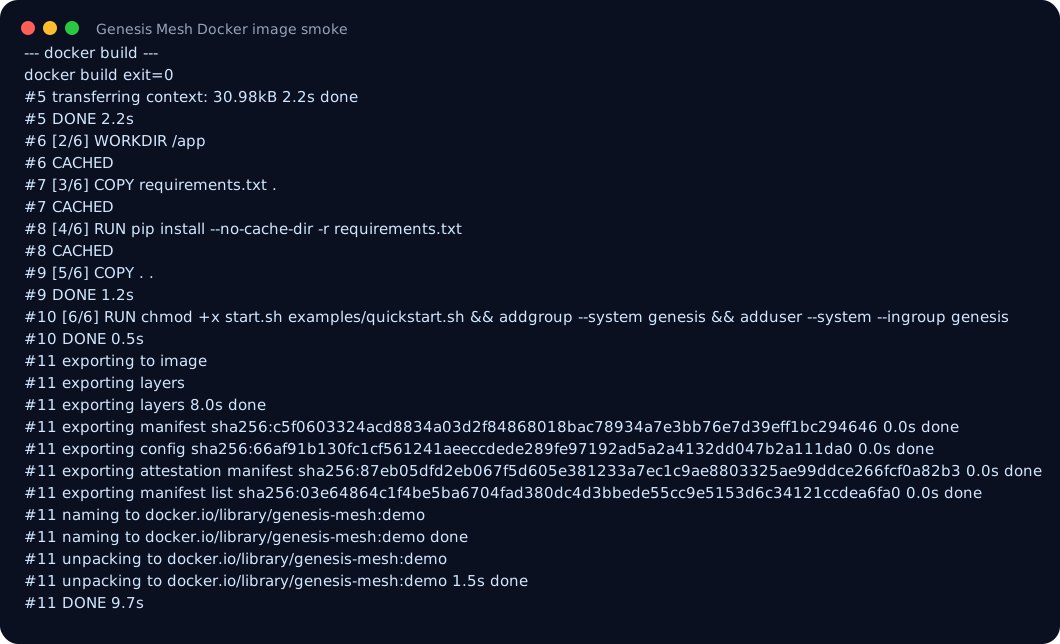
The image demo checks that the container builds, runs as the non-root genesis
user, imports the application modules, and fails closed when required runtime
secrets or roles are missing.
Screenshot from the Docker smoke run:
Build the container image:
docker build -t genesis-mesh:demo .
Inspect the hardening-relevant metadata:
docker image inspect genesis-mesh:demo \
  --format 'User={{.Config.User}} Entrypoint={{json .Config.Entrypoint}} ExposedPorts={{json .Config.ExposedPorts}}'
Expected metadata:
User=genesis Entrypoint=["./start.sh"] ExposedPorts={"8443/tcp":{}}
Check importability inside the image:
docker run --rm --entrypoint python genesis-mesh:demo \
  -c "import genesis_mesh; from genesis_mesh.na_service.server import create_app; from genesis_mesh.node.runtime import MeshNodeRuntime; print('import-ok')"
Expected output:
import-ok
Check that unsafe/misconfigured startup paths fail closed:
docker run --rm genesis-mesh:demo
# exits 1: genesis block or NA key not mounted

docker run --rm -e SERVICE_ROLE=bogus genesis-mesh:demo
# exits 1: unknown SERVICE_ROLE

docker run --rm -e SERVICE_ROLE=node genesis-mesh:demo
# exits 1: genesis block not mounted
18. Docker Compose Network Authority Example
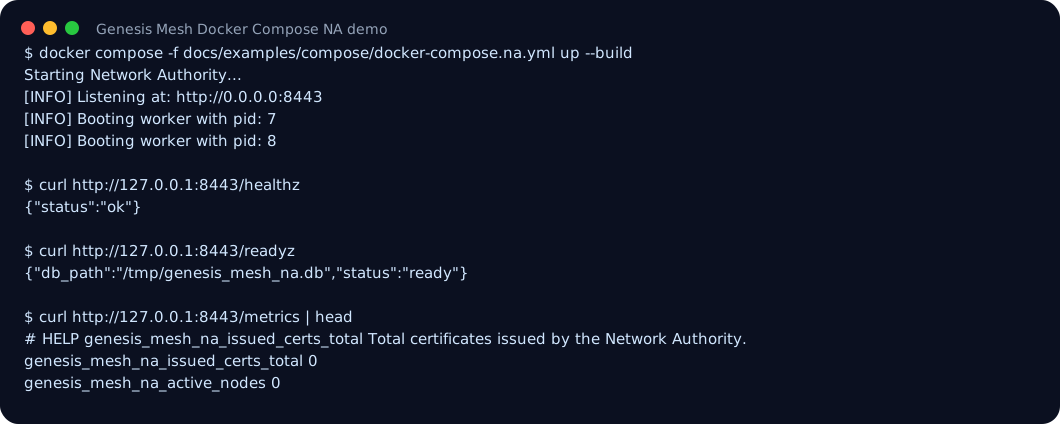
The Compose demo starts the Network Authority through the same container
entrypoint used by the image smoke checks, then probes /healthz, /readyz, and
/metrics.
Screenshot from a real Compose run:
A Compose example is included at:
It expects the following local files to be mounted into the container:
.genesis-mesh/genesis.signed.json
.genesis-mesh/keys/na.key
Create those files with the CLI init workflow:
uv run --python /usr/bin/python3.12 --with-requirements requirements.txt \
  python -m genesis_mesh.cli init \
  --home .genesis-mesh \
  --na-endpoint http://127.0.0.1:8443 \
  --force
The demo stores the NA SQLite database at /tmp/genesis_mesh_na.db inside the
container so the genesis non-root user can write it without host-volume
permission setup. For a persistent deployment, mount a data directory that is
writable by the container user or use an external database strategy.
Then run:
docker compose -f docs/examples/compose/docker-compose.na.yml up --build
Health probes:
curl http://127.0.0.1:8443/healthz
curl http://127.0.0.1:8443/readyz
curl http://127.0.0.1:8443/metrics
The Compose service uses the same start.sh entrypoint as the production image
and starts Gunicorn instead of the Flask development server.
19. Managed Sovereign Readiness Drill
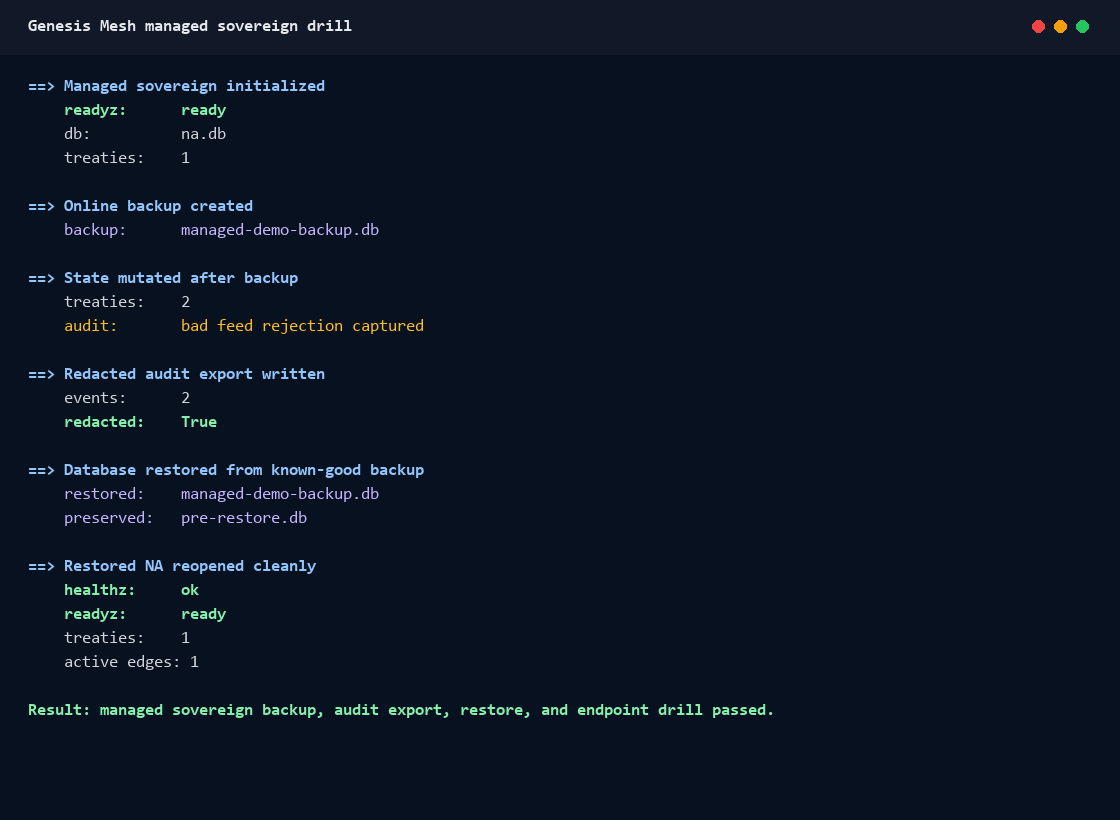
This demo proves the v0.16 managed-sovereign operations path: create an online
backup, mutate trust state, export redacted audit events, restore the database,
and reopen a Network Authority that still passes /healthz, /readyz, and
/connectome.json.
        sequenceDiagram
    participant NA as Managed NA
    participant DB as SQLite DB
    participant CLI as genesis-mesh managed
    participant C as Connectome

    NA->>DB: Persist treaty + audit event
    CLI->>DB: managed backup
    NA->>DB: Mutate state
    CLI->>DB: managed audit-export
    CLI->>DB: managed restore
    NA->>C: GET /connectome.json
    C-->>NA: restored treaty state

Static screenshot:
Run the local drill and asset generator:
python docs\examples\assets\scripts\managed-sovereign-demo.py
Expected proof:
==> Redacted audit export written
    events:      2
    redacted:    True

==> Restored NA reopened cleanly
    healthz:     ok
    readyz:      ready
    treaties:    1
    active edges: 1
Full walkthrough:
Demonstrated Capabilities
Identity and enrollment
Certificate issuance and policy distribution
Certificate revocation and CRL enforcement
Noise XX encrypted transport
Docker packaging and local deployment
Managed sovereign backup, audit export, restore, and endpoint drill
Clean Up
The in-process demo does not require persistent local state, but other local CLI
workflows can create .genesis-mesh/, genesis-mesh.toml, and .node*/
directories. To clean local generated artifacts:
python -m genesis_mesh.cli dev down
or:
genesis-mesh dev down
Stop any running Network Authority or persistent node runtime before cleanup. On Windows, SQLite database files can remain locked while a process is still using them.