Treaty Lifecycle Management
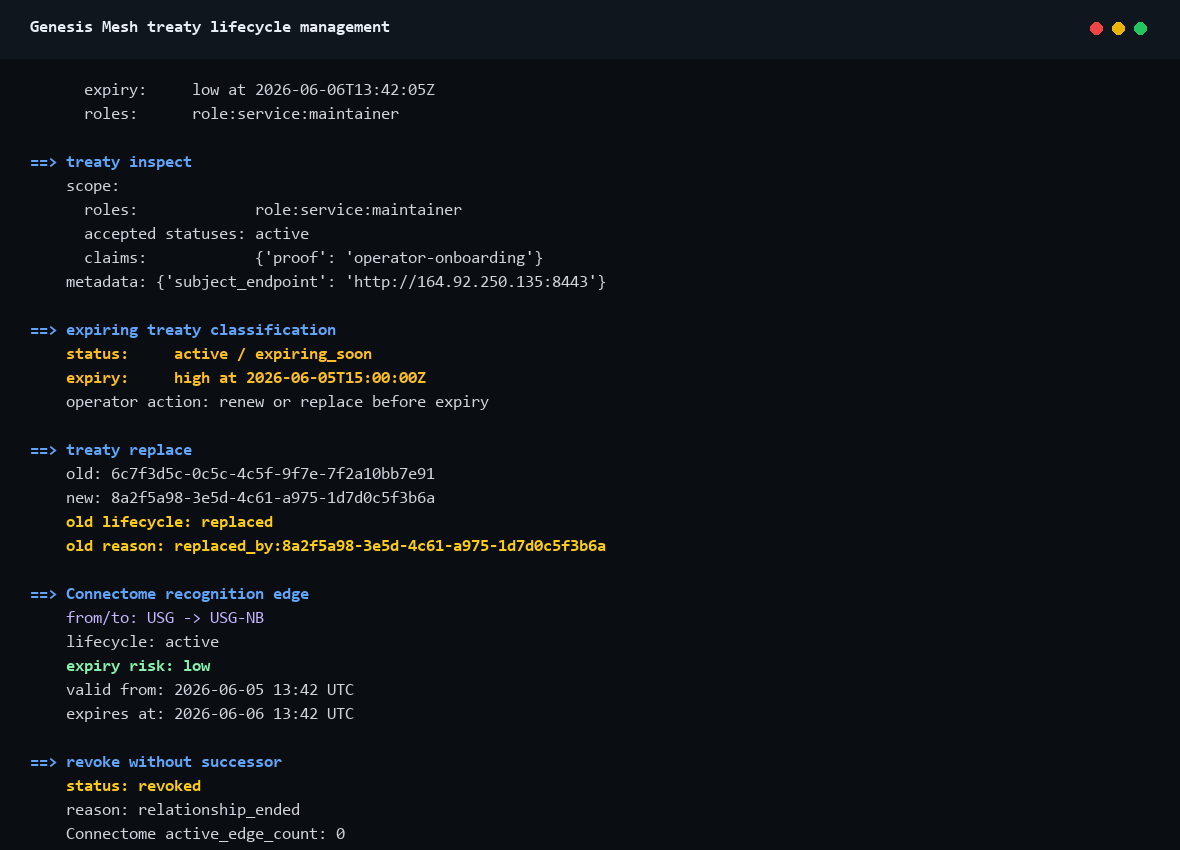
This example shows the v0.17.4 operator lifecycle view for direct-recognition treaties. It does not introduce new treaty semantics. It makes existing treaty state easier to explain: active, expiring, expired, revoked, and replaced.
Flow
        sequenceDiagram
    participant OP as Operator CLI
    participant NA as Network Authority
    participant C as Connectome

    OP->>NA: treaty list
    NA-->>OP: active and expiring lifecycle state
    OP->>NA: treaty inspect <id>
    NA-->>OP: scope, validity, claims, metadata
    OP->>NA: treaty replace <id>
    NA->>NA: issue successor treaty
    NA->>NA: revoke old treaty with replaced_by:<new-id>
    OP->>C: GET /connectome
    C-->>OP: lifecycle and expiry risk in recognition edges
What This Proves
Operators can list and inspect direct-recognition treaties without reading raw JSON first.
Expiring and expired treaties are visible as lifecycle state, not hidden in long ISO timestamps.
Renew and replace create successor treaties using existing issue semantics.
Old treaties are retired through existing revoke semantics.
Connectome stays consistent: expired, revoked, and replaced treaties do not count as active trust.
Live Recording
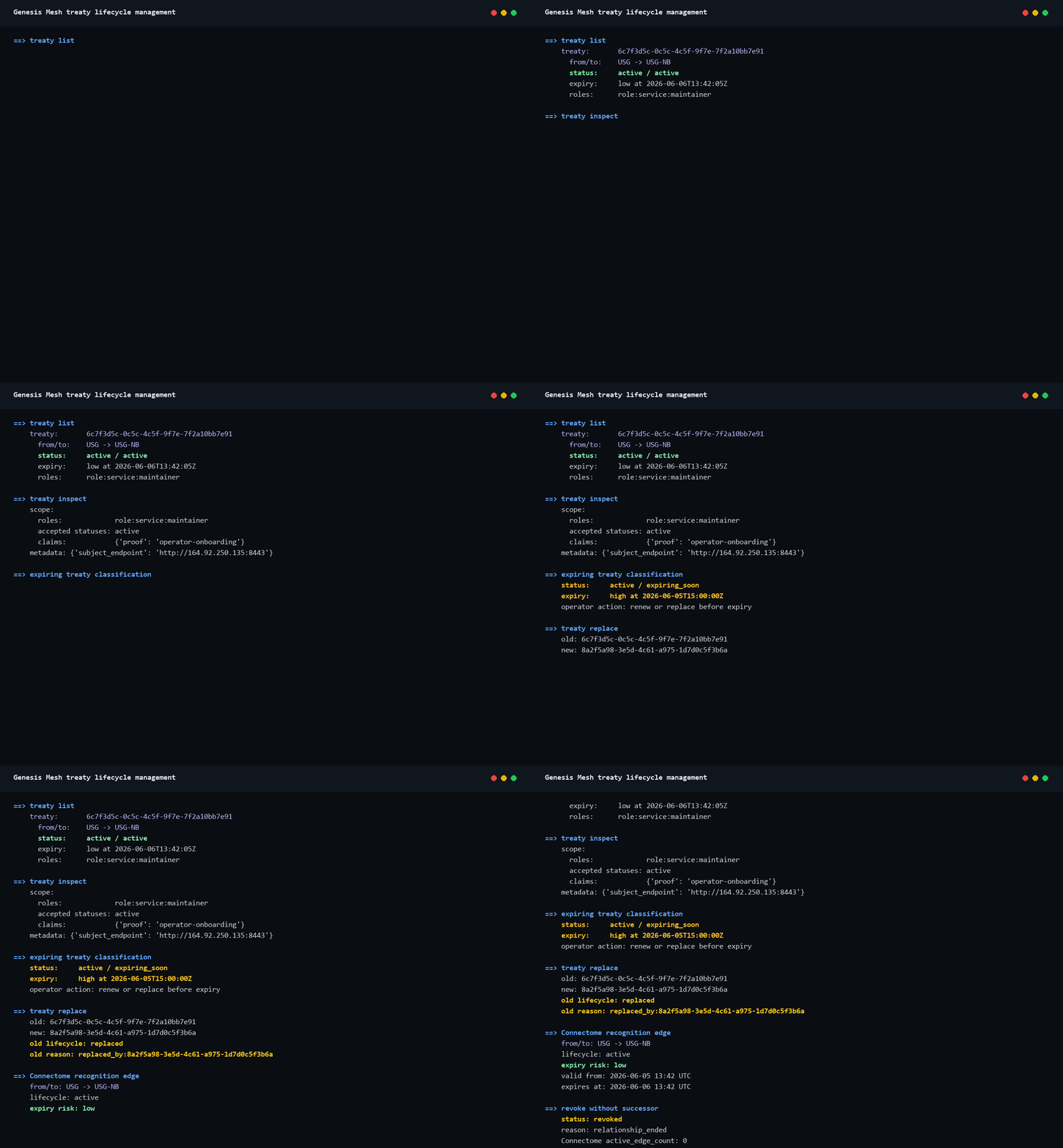
Static screenshot:
Run
Generate the documentation assets from the captured transcript:
python docs\examples\assets\scripts\treaty-lifecycle-management-demo.py
The equivalent operator workflow is:
genesis-mesh treaty list `
  --na https://na.genesismesh.connectorzzz.com

genesis-mesh treaty inspect `
  --na https://na.genesismesh.connectorzzz.com `
  <treaty-id>

genesis-mesh treaty replace `
  --na https://na.genesismesh.connectorzzz.com `
  <treaty-id> `
  --operator-key .genesis-mesh\keys\operator.key `
  --operator-key-id operator-local `
  --role service:observer `
  --claim reason=scope-tightening `
  --yes
Use treaty renew when the relationship continues unchanged and only the
validity window needs to be extended. Use treaty revoke when the relationship
ends without a successor treaty.